



Is your Keurig K Supreme descale light refusing to shut off? This guide provides a quick and straightforward method for performing a Keurig K Supreme descale reset, ensuring that pesky indicator light stays off after you’ve descaled your coffee maker.
Key Takeaways
- The Keurig K Supreme descale light can be reset by unplugging the machine and pressing the 8oz and 12oz buttons simultaneously, indicating successful entry into descale mode.
- Regular descaling and cleaning of the Keurig machine, including all removable components and key areas like the water tank and K-Cup holder, help prevent persistent descale light issues.
- Using filtered water for brewing, consistent maintenance of the Keurig, and correctly performing the descaling process are crucial for optimal machine performance to minimize descale alerts.
Resetting the Descale Light on Your Keurig K Supreme
Ah, the infamous descale light. It signals when our Keurig K Supreme needs descaling, yet occasionally, it remains stubbornly on even post-descaling. It’s as if it’s stubbornly clinging to the past, refusing to acknowledge our hard work. But worry not, the solution is as simple as pressing a combination of buttons or doing a power cycle.
Initiating the Reset Sequence
First and foremost, disconnect your coffee maker! This action marks the beginning of the reset sequence. Once you have your Keurig K Supreme unplugged, hold down the 8oz and 12oz buttons simultaneously. Make sure the power button is not lit.
You may now reconnect the machine. Be on the lookout for changes in the descale light. It should transition from blinking to a steady glow, a sign that the machine has entered descale mode and initiated the reset procedure.
Confirming the Reset
The moment we’ve been waiting for! Upon restarting your machine or finishing the necessary descaling cycles, the descale light should extinguish. This is a clear indicator of a successful reset.
When the Reset Doesn’t Work
What if the light persists even post-reset? This may occur if scale deposits still exist that need multiple descaling cycles to eliminate. Keep your spirits up, there are several actions you can take.
Try the following steps to resolve the issue:
- Repeat the descaling process, ensuring to follow all steps correctly.
- Place the coffee maker into ‘Descale mode’ to execute a precise descaling process.
- If all else fails, don’t hesitate to contact Keurig Support for assistance.
Read Also: How to Reset Descale on Keurig
The Correct Way to Descale Your Keurig K Supreme
Having covered the reset of the descale light, we should now discuss the descaling process. It is vital because a stubborn descale light post-machine restart may necessitate redoing the descaling or unblocking the machine.
Choosing the Right Descaling Solution
The initial stage of the descaling process involves selecting the appropriate descaling solution. You want a solution that is effective in removing scale, is compatible with your machine, and aligns with your sensitivity to odors or preference for natural ingredients. Keurig’s own descaling solution is designed for this very purpose.
However, if you’re looking for a natural alternative, a mixture of lemon juice and water or white vinegar can serve as an effective descaling agent. You may read How to Remove a Keurig Pod Holder
Performing the Descaling Process
Having selected your descaling solution, you can now commence the descaling process. Here’s how:
- Turn off your machine and empty the water reservoir.
- Fill the reservoir with the descaling solution.
- Run a complete brewing cycle without a coffee pod to dispense the descaling solution into a cup.
- Discard the contents, and repeat until prompted to add more water.
After this, rinse the chamber thoroughly and fill it with clean water. To ensure all residual descaling solution is removed from the machine, complete 12 brewing cycles with clean water, emptying the cup after each cycle.
Finalizing the Descaling
Having conducted the descaling process, you can now wrap it up. This involves running one complete cycle of water through the Keurig after descaling to ensure that all remnants of the descaling solution are completely flushed out.
After descaling, all removable parts of the Keurig should be washed with soap and water to eliminate coffee oils and any residual descaling solution, then rinsed well with warm water.
Read Also: Reset Descale Light on Keurig Slim
Cleaning Key Components to Prevent Descale Light Issues
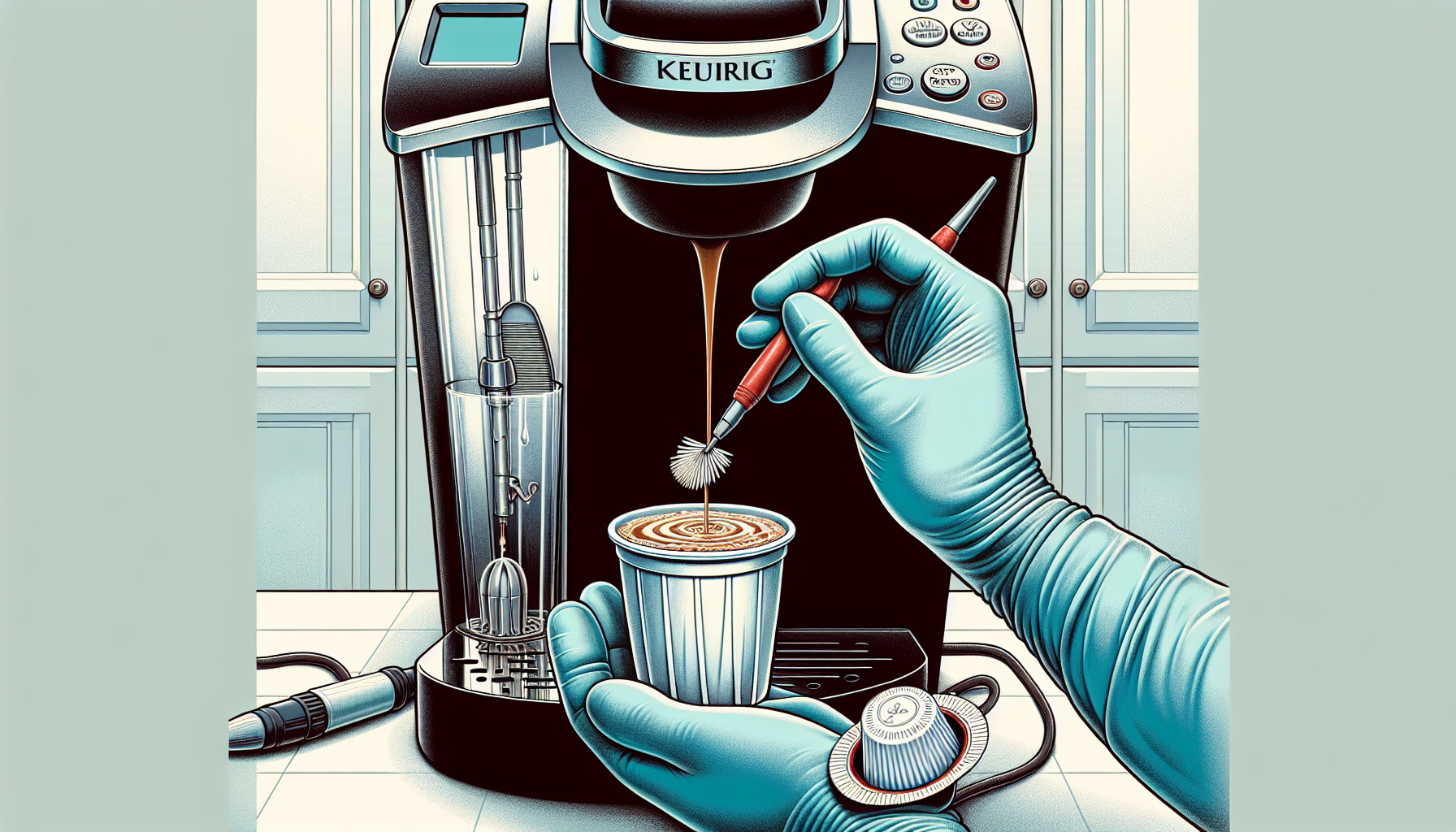
Although descaling is vital, maintaining a consistent cleaning routine for your Keurig machine is of equal importance. This involves maintaining components like the water tank, K-Cup holder, and needle to prevent coffee oils and residue from triggering the descale light incorrectly.
Maintaining the Water Tank and Filter
Maintenance of the water tank is one of the key aspects. Regular cleaning of the Keurig K-Supreme water tank is essential to remove mineral buildup that could activate the descale light. To clean the water tank, use a non-abrasive cloth and mild dish soap.
Don’t forget about the water filter. It should be replaced every two months or as needed, depending on use, to prevent scale buildup in the machine.
Ensuring the K Cup Holder and Needle are Clear
Another critical component of your Keurig machine is the K-Cup holder and needle. Regularly washing the K-Cup holder under warm water can prevent the buildup of coffee grounds and oils that could trigger false descale light activations. You can use a paperclip to remove any coffee grounds clogging the needle.
If routine cleaning does not resolve descale light issues, utilizing a rinse pod can help with the descaling light.
Checking the Drip Tray and Pod Holder
Last but not least, ensure the drip tray and pod holder aren’t neglected. Maintaining these parts includes detaching and hand washing the drip tray in warm, soapy water.
Regular cleaning of the drip tray and pod holder is a critical health and safety measure that also contributes to optimal machine performance and consistent coffee quality.
Read Also: Keurig Descale Light Won’t Turn Off
Expert Tips for Smooth Keurig Operation
Let’s proceed to some expert advice for ensuring a seamless Keurig operation. These tips include using optimal water quality for brewing, performing regular maintenance, and avoiding common mistakes during the descaling process.
Optimal Water Quality for Brewing
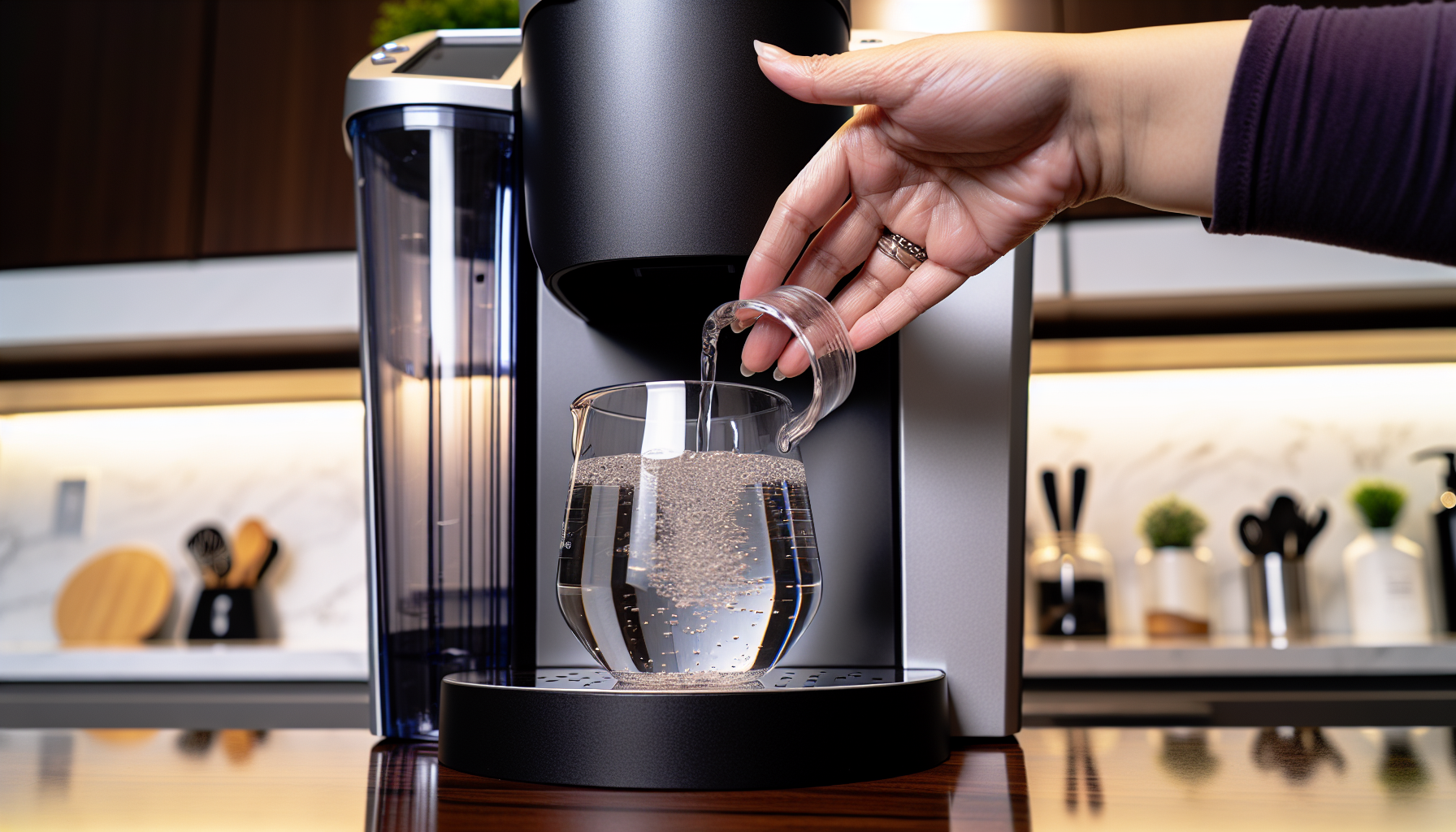
Believe it or not, the quality of water you use for brewing can significantly affect the taste of your coffee and the overall brewing experience. Using filtered water, which typically has fewer impurities and controlled mineral content, can contribute to a more consistent and superior coffee flavor.
The Role of Regular Maintenance in Preventing Descale Alerts
Consistent maintenance significantly contributes to avoiding descale alerts. This includes descaling your Keurig coffee maker every 3 to 6 months and cleaning the drip tray and pod holder weekly, especially if the coffee maker is used daily.
What to Avoid During the Descaling Process
It’s also important to be aware of what to avoid during the descaling process. For instance, the water used for mixing the descaling solution should be cold to prevent adverse reactions with the descaling agent. And ensure the water tank is removed during descaling, refilled, and correctly clicks into place when reattached.
Read Also: How Do I Reset My Keurig After Descaling
When to Contact Keurig Support for Help
If you’ve adhered to all the suggestions and instructions in this post and the descale light continues to shine, seeking professional help may be the next step. Don’t hesitate to contact Keurig customer support if the descale light won’t turn off after following all the descaling steps, as it could indicate a more complex issue that requires professional assistance.
Summary
And there you have it! We’ve covered everything from resetting the descale light to performing the descaling process, cleaning key components, and when to contact Keurig support. With these tips and tricks, you’ll be brewing the perfect cup of coffee in no time. Happy brewing!
Read Also: Keurig Descale Reset
Frequently Asked Questions
How do you reset the descale light on a Keurig K Supreme?
To reset the descale light on a Keurig K Supreme, empty the reservoir, refill with water, then press the brew button to start the rinsing process. Repeat until the DESCALE notification turns off.
How do I get my Keurig out of descale mode?
To get your Keurig out of descale mode, press the 8oz and 10oz buttons for 5 seconds and the light will switch off.
How do I reset my Keurig after descaling?
To reset your Keurig after descaling, simply follow these steps: turn off and unplug the machine, remove and empty the water reservoir, wait a few minutes, plug in the machine and turn it on, then replace the reservoir and run a complete brew cycle without K-Cup pods.
What’s the best descaling solution to use?
The best descaling solution to use depends on your personal preferences. Keurig’s own descaling solution is a great option, but you can also use a mixture of lemon juice and water as a natural alternative.
How often should I clean my Keurig machine?
You should clean your Keurig machine every 3 to 6 months, which includes descaling and cleaning the water tank, K-Cup holder, and needle. This helps maintain the machine’s performance and ensure the quality of your beverages.
You may read also:
